Everything you need, one hotkey away
Deck 2.3 docks on all four screen edges, with resizable side panels, taskbar-aware animation, command mode, independent profiles, and native tools.
Dock on any edge
Choose top, bottom, left, or right. Resize side panels, flip to the opposite edge with F2, and keep your preferred layout in Profiles.
Instant keyboard access
Show or hide Deck with Ctrl+F12 by default, or assign your own global hotkey.
Smart, configurable search
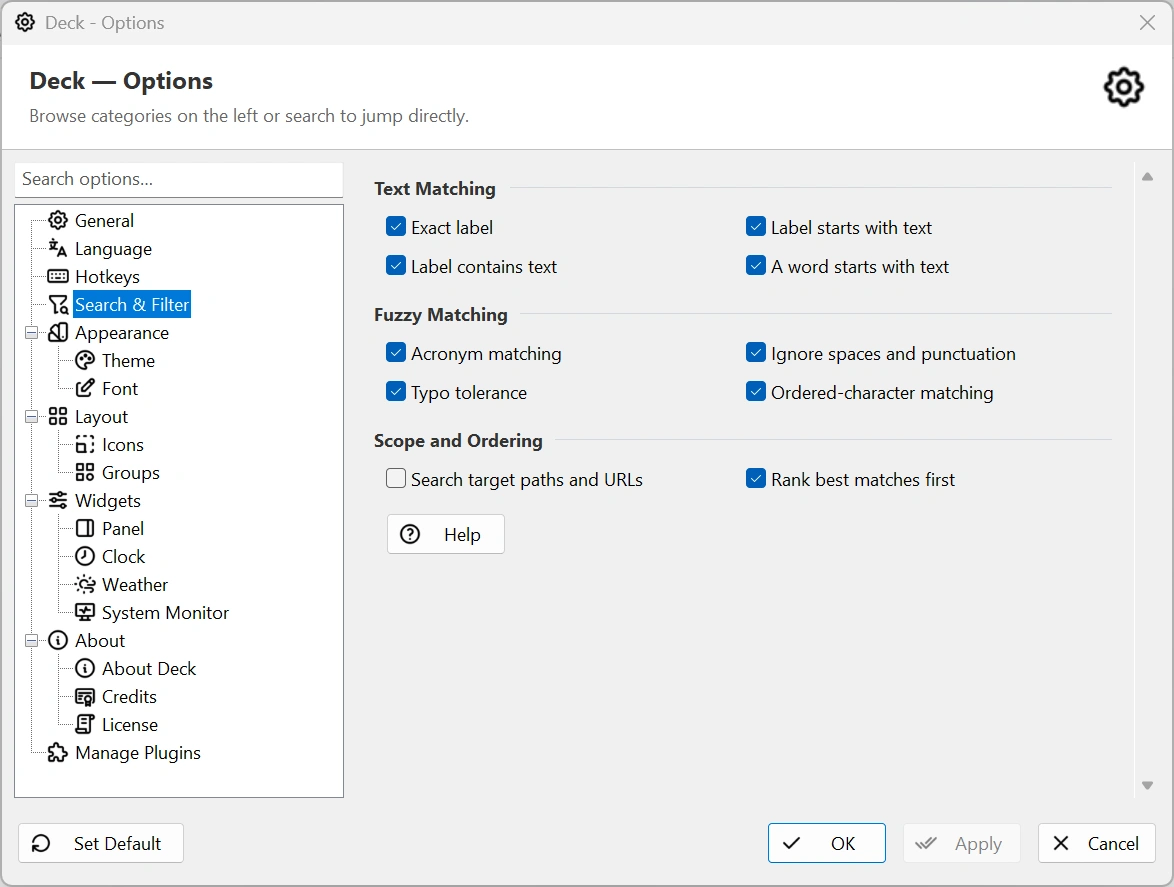
Find shortcuts with exact, prefix, acronym, typo-tolerant, and ordered-character matching.
More than app shortcuts
Launch programs, scripts, documents, folders, URLs, elevated tools, and plugin actions.
Groups, dividers, and ordering
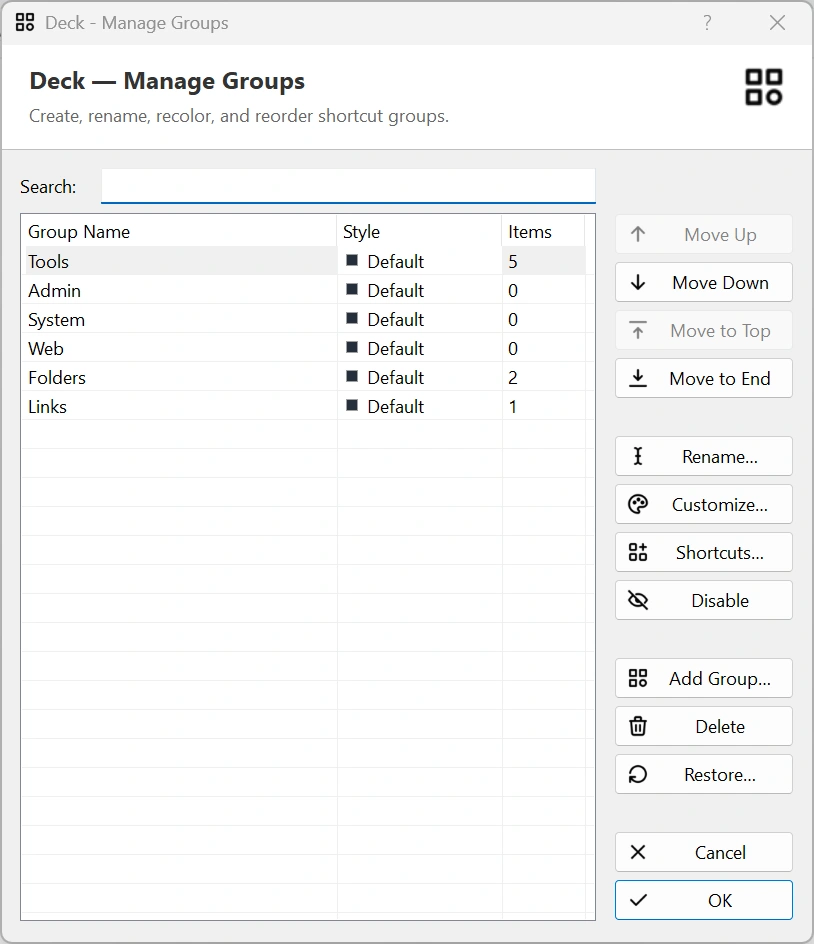
Build a clean workspace with custom groups, visual dividers, multi-select moves, and drag reordering.
Fast add workflows
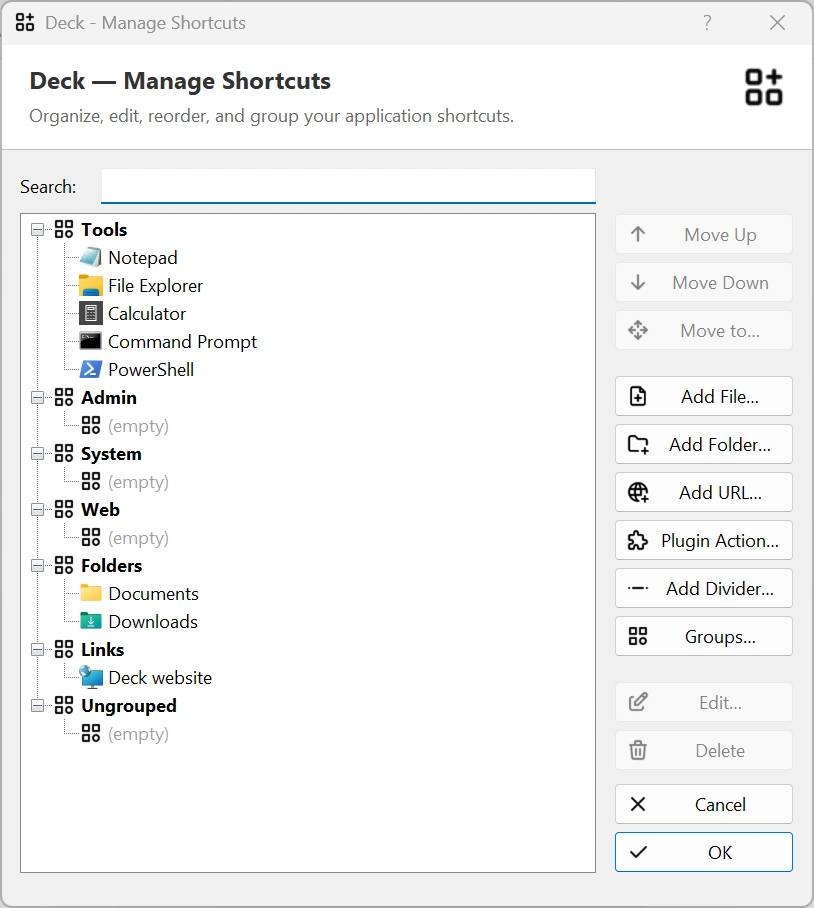
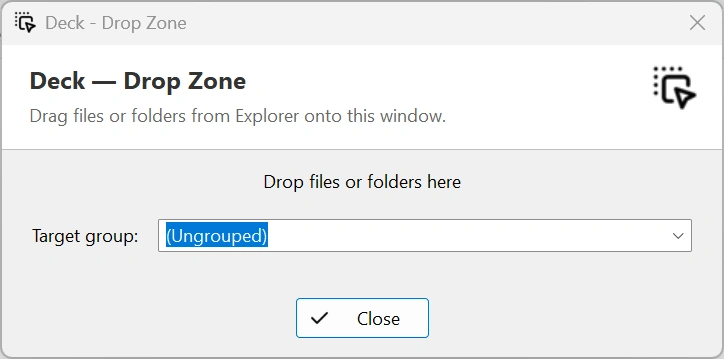
Add items by drag-and-drop, the Deck menu, Manage Shortcuts, or an optional Explorer context command.
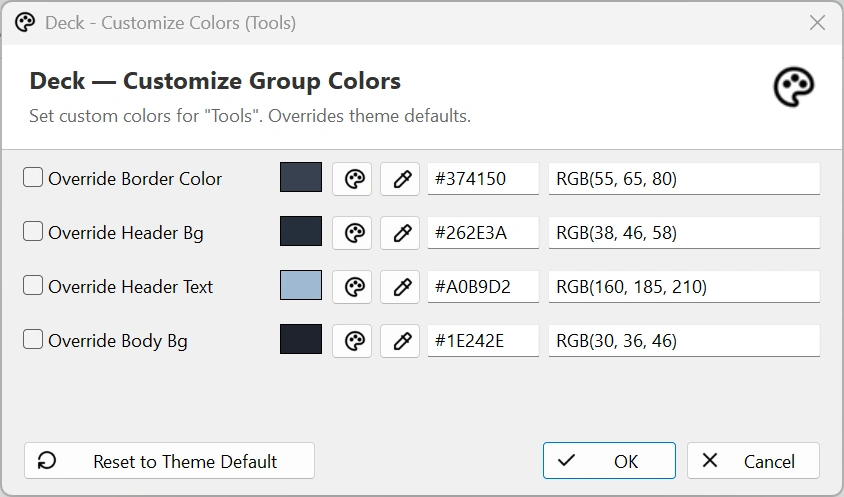
Themes down to each group
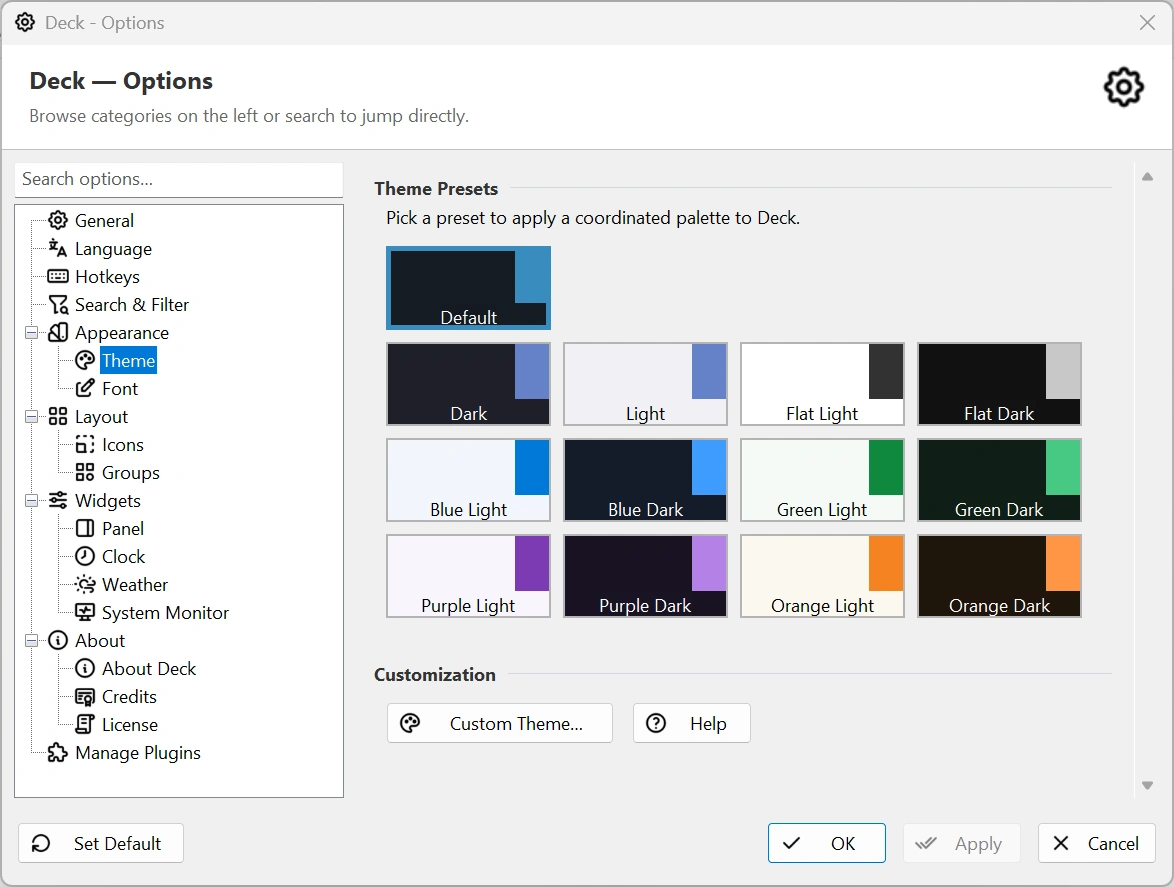
Choose coordinated light and dark presets, customize the full palette, fonts, transparency, and per-group colors.
Useful side widgets
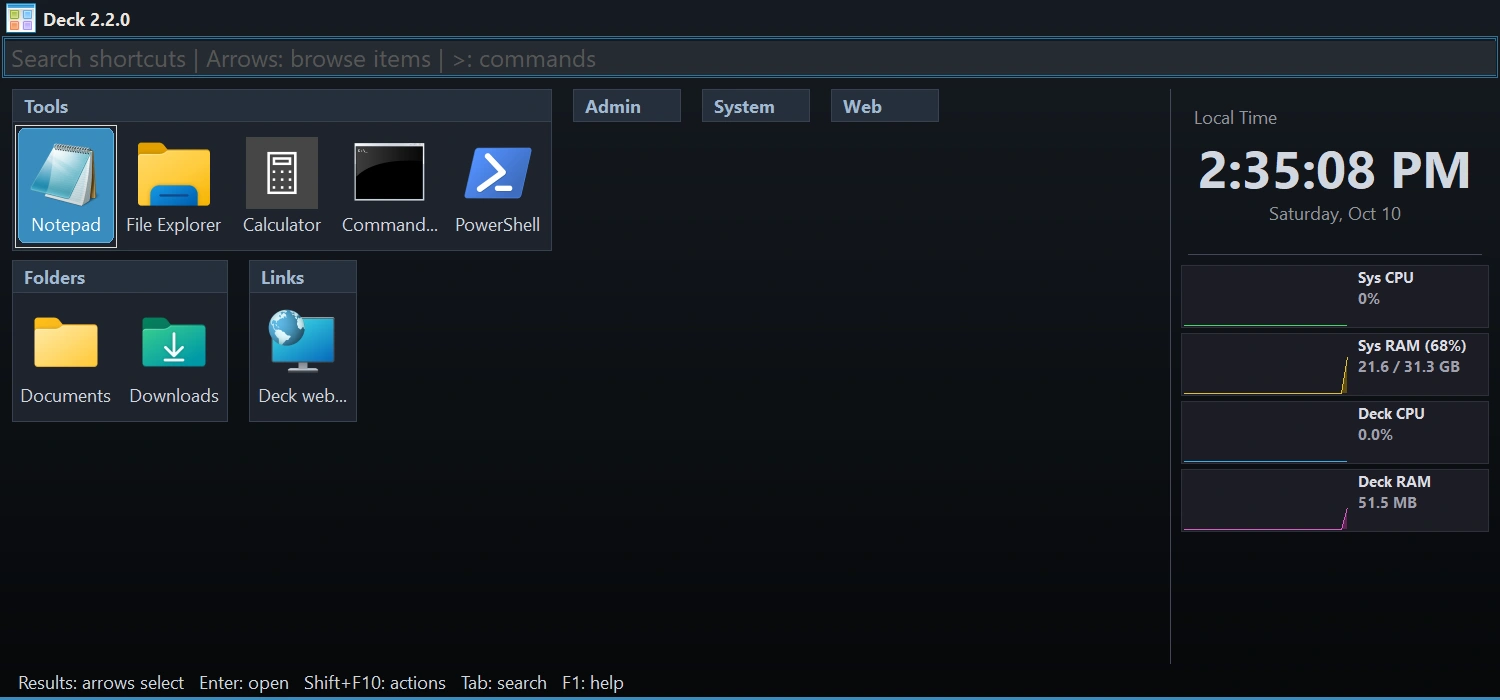
Keep clocks, weather, CPU/RAM graphs, and optional plugin widgets such as live audio controls beside your shortcuts.
Native plugin platform
Use bundled tools for calculations, snippets, audio, file search, profiles, saved commands, server connections, batches, and window layouts.
Flexible portable storage
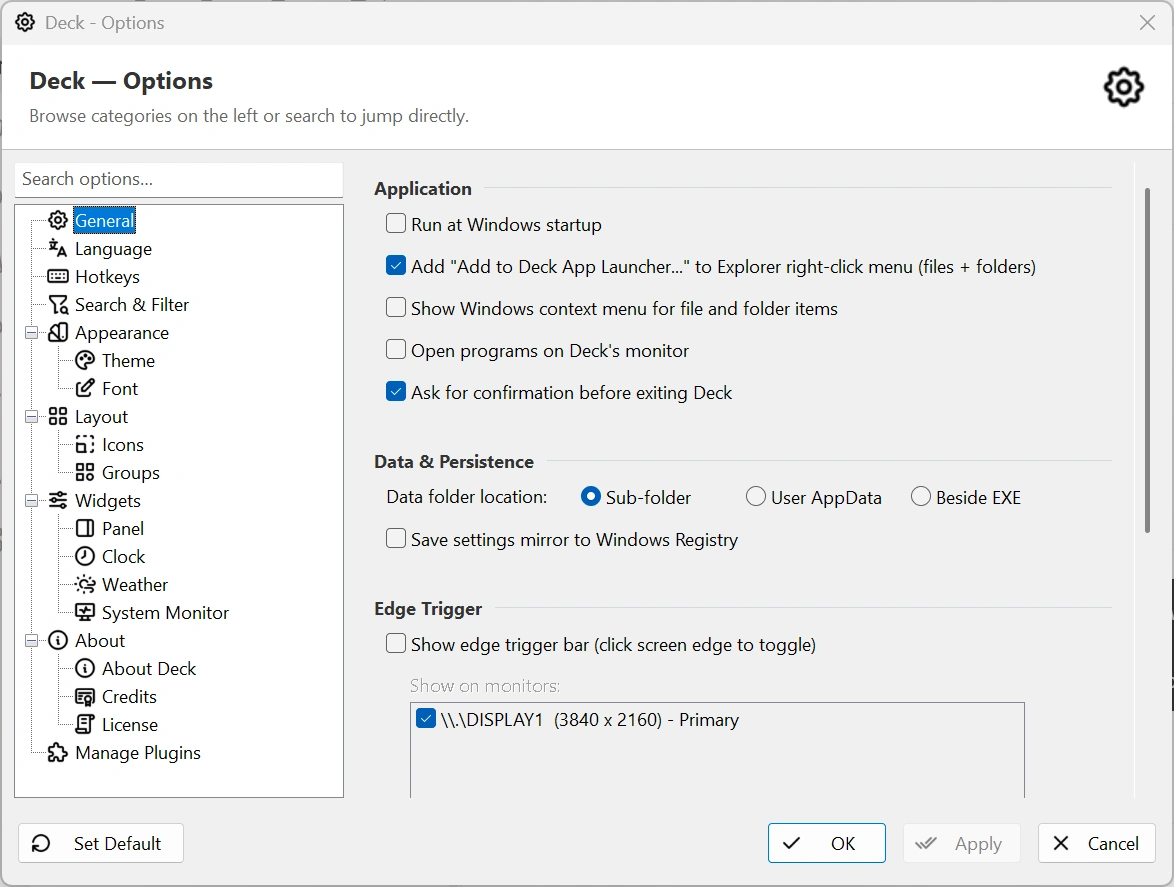
Keep data in a local subfolder, beside the executable, or under your Windows AppData profile.
Local-first and account-free
Your shortcuts and settings stay on your PC. No Deck account or cloud sync is required.
Win32 and Win64 builds
Choose the 32-bit or 64-bit Deck build that matches your Windows system and plugins.
Multi-monitor aware
Choose edge-trigger displays and dock inside each monitor's work area. Taskbar-aware animation and optional launch-on-monitor behavior keep the workspace predictable.
Discoverable command mode
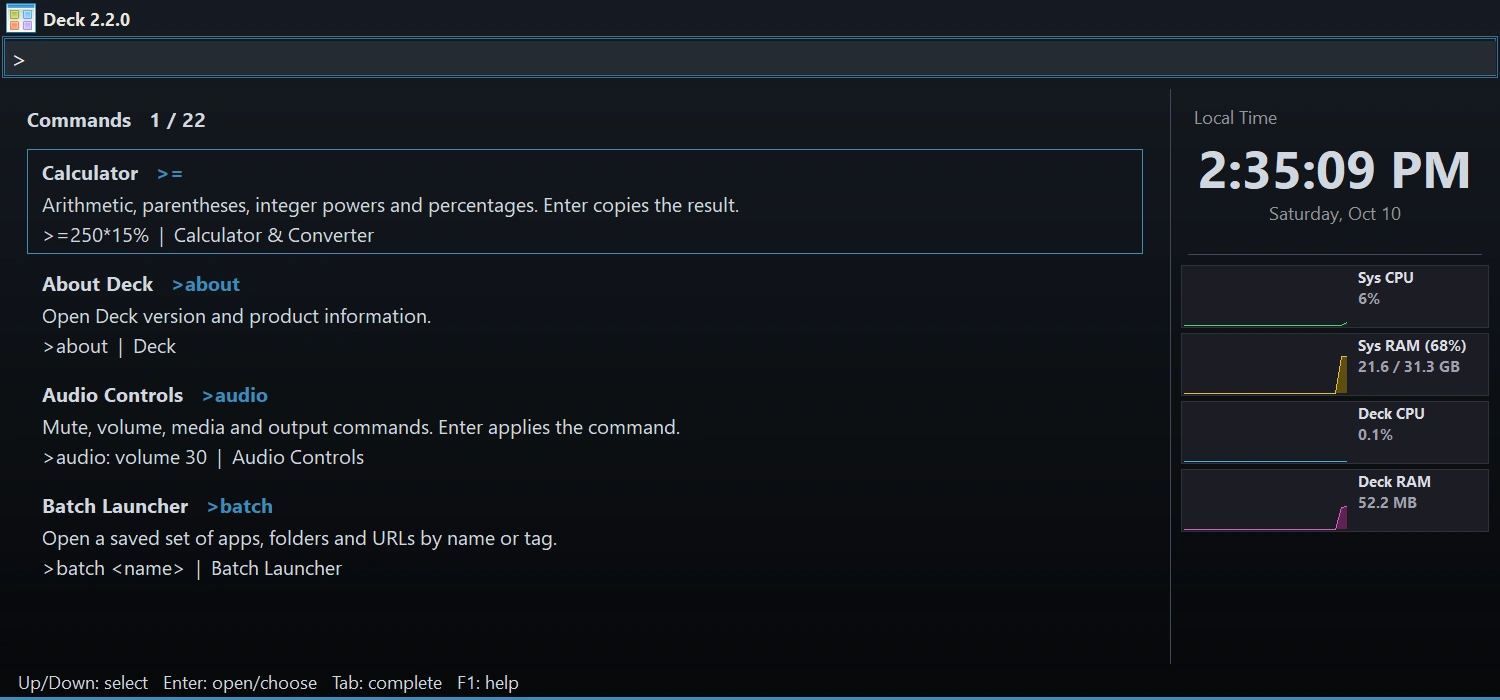
Type > or press Ctrl+K while Deck is focused to browse commands, preview arguments, and run the selected command.
Independent profiles
Switch shortcut libraries together with their groups, themes, layout, language, hotkeys, clocks, and weather settings.
Five desktop languages
Use Deck and its bundled plugins in English, Persian, German, Spanish, or French, with right-to-left support for Persian.
Deck interface gallery
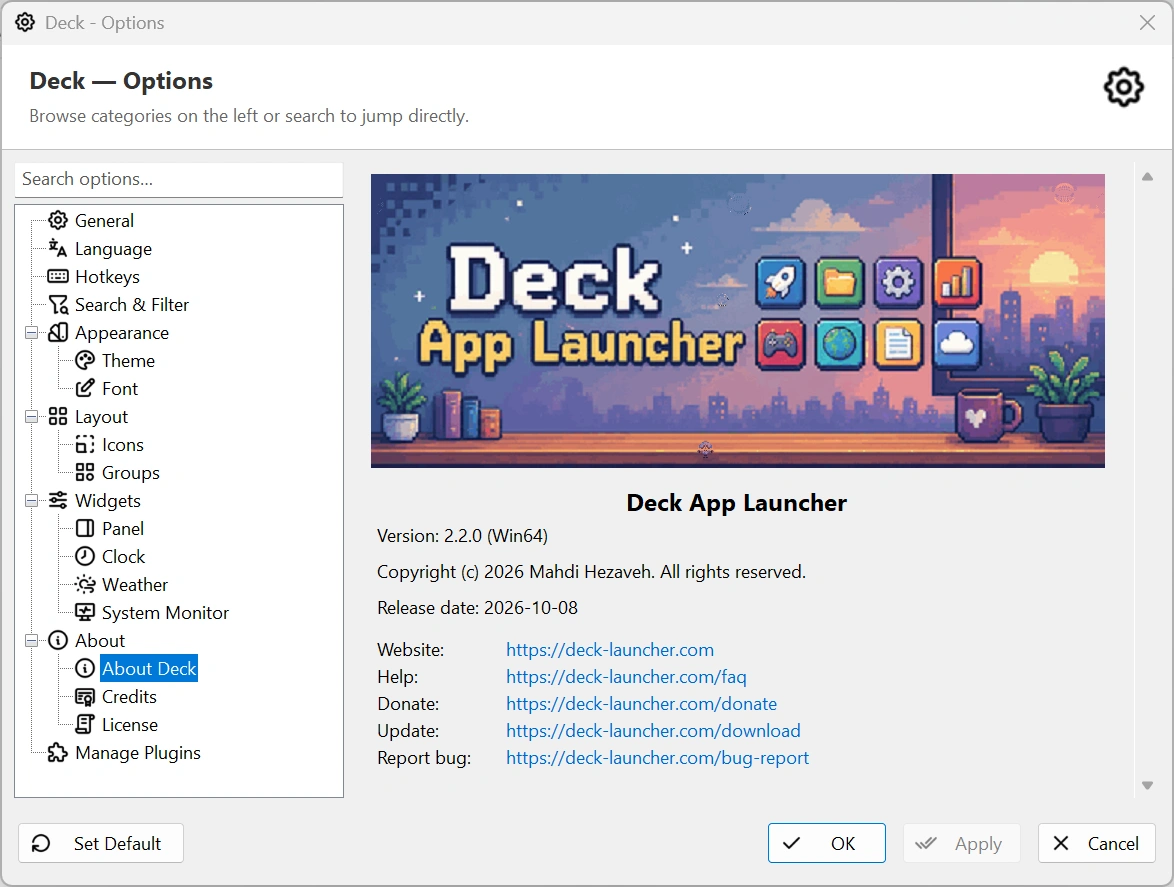
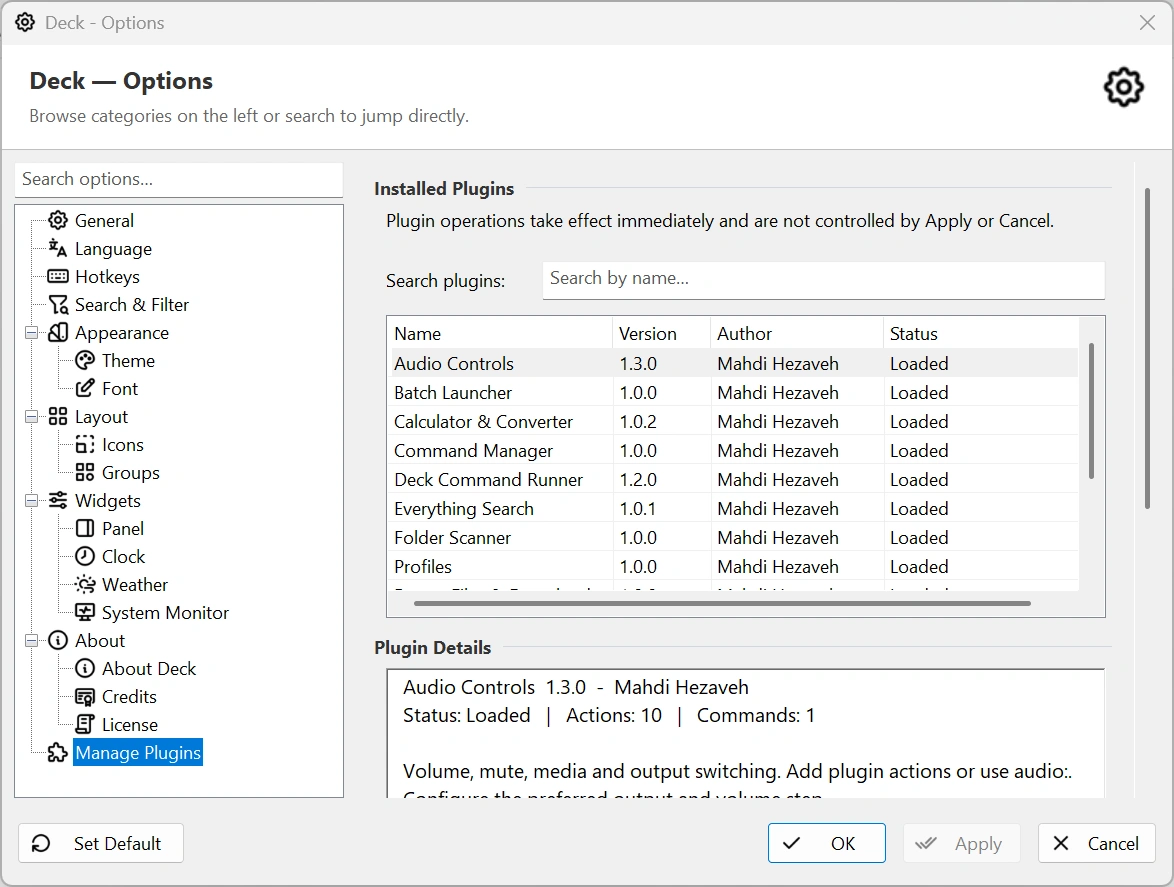
Fresh Deck 2.3 screenshots show four-edge docking, the current Options pages, and the command picker. Select an image to open it full size.
Deck 2.3 options overview
Startup, storage, Explorer, and edge trigger settings
Smart search and result ranking
Theme presets and custom palettes
Manage groups and their order
Manage every shortcut from one place
Clock and resource-monitor widgets
Install, configure, reload, or disable plugins
Add files and folders by drag-and-drop
Browse commands by typing > or pressing Ctrl+K.
Per-group color overrides